
No standalone “PS2 to PS4 PKG Converter” exists in the sense of a universal, legal, one-click tool. What does exist:
✅ Semi-automated scripts that wrap PS2 ISOs in a custom PKG using Sony’s emulator (requires jailbroken PS4 and user-provided emulator files).
✅ Decent compatibility (~70% of games playable with config tweaks).
❌ No solution for unhacked PS4 consoles or for perfect compatibility with all PS2 titles.
The process of converting PS2 ISOs to PS4 PKGs is a testament to the ingenuity of the console hacking community. It effectively unlocks the PS4's hidden backward compatibility capabilities, allowing users to preserve and play their classic libraries on modern hardware. While it requires a modified console and a bit of technical know-how, the result is a seamless integration of PS2 classics into the PS4 ecosystem, often with enhanced resolution and trophy support.
The Ultimate Guide to PS2 to PS4 PKG Converters While the PlayStation 4 doesn't support physical PlayStation 2 discs, the homebrew community has developed powerful tools to bridge this gap. By using a PS2 to PS4 PKG converter, users with jailbroken consoles can transform their original PS2 ISO files into installable package (PKG) files that run via the PS4's internal "PS2 Classics" emulator. Best PS2 to PS4 PKG Converter Tools
Several tools dominate the scene, each offering different levels of customization and ease of use.
PS2-FPKG (by Jabu): Widely considered the standard tool, this application converts PS2 ISO/BIN images into fPKGs. It supports multi-disc games (up to 5 ISOs), automatic game ID detection, and allows users to inject custom icons and background wallpapers.
PS22PS4-GUI (by Nazky): A user-friendly graphical interface that simplifies the process. It features a drag-and-drop system for ISOs, backgrounds, and covers, making it ideal for those who prefer a visual workflow over command-line utilities.
PS-Classics-fPKG-Builder (by SvenGDK): A versatile cross-platform tool available for Windows, Linux, and macOS. It can create packages for PS1, PS2, and PSP games, offering advanced features like automatic game config application and emulator selection. How to Convert PS2 Games to PS4 PKG
The conversion process generally follows these steps across most tools:
Converting PS2 games for PS4 involves transforming ISO files into installable PKG files using community tools like PS2-FPKG or PS2 Classics GUI, which leverage Sony's internal emulator. Key tools such as PS2-FPKG and PS2 Classics fPKG Builder handle the conversion, allowing for custom icons and backgrounds before installation via a jailbroken PS4's Debug Settings or GoldHEN. Learn more about the process and download tools at PSX-Place and GitHub.
The Evolution of Gaming: A Look into PS2 to PS4 PKG Converters
The gaming industry has undergone significant transformations over the years, with console manufacturers continually pushing the boundaries of technology and innovation. One notable example is the transition from the PlayStation 2 (PS2) to the PlayStation 4 (PS4), a leap that not only marked a significant upgrade in hardware capabilities but also in the way games were distributed and played. This essay explores the concept of PS2 to PS4 PKG converters, tools that have emerged to facilitate the transition of games from older formats to newer ones, and the implications they have on the gaming community.
Understanding PS2 and PS4 PKG Files
Before diving into the converters, it's essential to understand what PKG files are. In the context of PlayStation consoles, a PKG file is a package file used for distributing and installing games and other content on the system. The PlayStation 2, released in 2000, utilized a different format for its games, which were primarily distributed on DVDs. Fast-forward to the PlayStation 4, released in 2013, and we see a shift towards digital distribution, with games being sold and downloaded directly from the PlayStation Store in PKG format.
The Role of PS2 to PS4 PKG Converters
PS2 to PS4 PKG converters are software tools designed to convert PS2 game files into a format compatible with the PS4. These converters essentially repackage PS2 game data into a PKG file that the PS4 can recognize and install. This process involves not just a simple file conversion but often requires adjustments to ensure compatibility with the newer console's architecture.
The development and use of such converters have been driven by the desire to preserve PS2 games, which are considered classics by many, and to make them playable on modern hardware. The PS2 has an extensive library of games that many players wish to continue enjoying, but the console's hardware is outdated, and its games are not natively compatible with the PS4.
Technical Challenges and Solutions
Converting PS2 games to work on the PS4 is not without its challenges. The PS2 and PS4 have fundamentally different architectures. The PS2 uses a Emotion Engine CPU and a Graphics Synthesizer GPU, while the PS4 uses a x86-64 AMD Jaguar 8-core processor and an AMD Radeon Graphics Core Next engine. This means that direct compatibility is not possible, and conversion requires emulation or significant reworking of the game's code.
Converters aim to bridge this gap by emulating the PS2 environment on the PS4 or by translating the game's commands into a form that the PS4 can execute directly. This process can involve recompiling game code, adapting graphics and sound to be compatible with the PS4's capabilities, and ensuring that the gameplay experience remains intact.
Impact on the Gaming Community
The availability of PS2 to PS4 PKG converters has had a significant impact on the gaming community. For enthusiasts and preservationists, these tools offer a way to continue enjoying classic games on modern hardware, thereby preserving gaming's rich history. For casual gamers, it provides an opportunity to experience games they might have missed out on during the PS2 era.
However, it's also important to consider the legal and ethical implications. Many PS2 games are still under copyright, and converting them into a playable format on another console without owning the rights could potentially infringe on copyright laws. The use of converters walks a fine line between preservation and piracy, highlighting the need for clear guidelines and regulations.
Conclusion
PS2 to PS4 PKG converters represent a fascinating intersection of technology, gaming, and preservation. While they offer a means to breathe new life into classic games, they also raise important questions about copyright, game preservation, and the evolving nature of digital distribution. As the gaming industry continues to evolve, the role of such converters will likely grow, serving as a bridge between the past and the present, and ensuring that the legacy of classic games endures for future generations.
Converting PS2 games to PS4 PKG files allows you to play classic titles on a jailbroken by using Sony's internal emulator
. This process requires a Windows PC, a game backup (ISO format), and specific conversion software. Core Tools for Conversion
Several community-developed tools automate the process of injecting a PS2 ISO into a PS4-readable package file: PS2 Classics GUI : A popular choice by TheDarkProgramer
that offers a graphical interface for converting ISOs, adding custom icons, and setting background art.
: A tool developed by Jabu that supports features like multi-disc games (up to five ISOs), custom emulator configurations, and performance fixes. PS2toPS4 GUI
: An alternative simplified tool for generating "fake" package (FPKG) files. The Conversion Process How to Install PKG Files - ConsoleMods Wiki 16 Jan 2026 —
The main feature of a PS2 to PS4 PKG converter is its ability to wrap a PlayStation 2 game image (typically an ISO file) into a PlayStation 4 "Package" (PKG) format that the console's internal PS2 emulator can execute.
This process is commonly used by the homebrew community to play games that are not officially available as "PS2 Classics" on the PlayStation Store. Core Features
ISO to PKG Conversion: Converts raw PS2 disc images (ISO) into a format compatible with the PS4's file system.
Emulator Integration: Bundles the game with the necessary PS2 emulator configuration files required for the PS4 to recognize and run the title. ps2 to ps4 pkg converter
Custom Metadata: Allows users to add custom game icons, background images, and title names that appear on the PS4 home screen dashboard.
Widescreen & Graphic Patches: Many converters allow you to apply "fpts" (feature patches) to force 16:9 widescreen aspect ratios or improve internal rendering resolution.
Config Selection: Lets users choose specific "Lua" configuration files that fix graphical glitches or performance issues for specific PS2 titles. Prerequisites for Use
Jailbroken Console: These converted PKG files can generally only be installed on a PS4 running custom firmware (like GoldHEN), as they are unsigned applications.
Debug Settings: Once the PKG is created, it is typically installed via the Package Installer found in the console's Debug Settings menu.
If you are looking for a specific tool, popular community options include PS2 Classics GUI or PS2-FPKG.
This report outlines the tools, processes, and requirements for converting PlayStation 2 (PS2) ISO games into installable Package (PKG/FPKG) files for a jailbroken PlayStation 4 (PS4), based on methods available as of 2026. 1. Overview & Requirements
Converting PS2 games allows them to run on the PS4 using Sony’s internal "PS2 Classics" emulator. This requires a jailbroken PS4 running HEN (Homebrew ENabler). Required Firmware:
Jailbroken PS4 (tested on 9.00, but often works on newer firmwares if available). Required Files: PS2 ISO files (ripped from personal discs). PC for running the conversion tools.
USB Drive (formatted to exFAT or FAT32) to install the PKG on PS4. 2. Main Conversion Tools (PS2 to FPKG)
Several GUIs (Graphical User Interfaces) exist to make this process easier by automating the packaging of the ISO with the emulator: PS2-FPKG by Jabu:
A highly popular tool that allows users to create multi-disc games (up to five ISOs), adjust emulator settings, and select custom icons/backgrounds. PS2 Classics GUI (by thedarkprogramer/Nazky):
A versatile tool that patches games and adds custom branding. PS22PS4-GUI:
Updated to support modern .NET versions and includes auto-cover downloads. 3. Conversion Process Steps
Here’s a draft for a good, informative post about converting PS2 games to PS4 PKG files. It’s written to be helpful for beginners while including technical details for advanced users.
Title: From Disc to Digital: A Complete Guide to Converting PS2 Games to PS4 PKG
Intro The PS4 can play PS2 games—but only the ones Sony officially re-released with trophy support and upscaled rendering. However, with a jailbroken PS4 (FW 9.00 or 5.05), you can convert your own PS2 ISOs into installable PKG files. This unlocks the entire PS2 library on your PS4, often with improved performance. No standalone “PS2 to PS4 PKG Converter” exists
How It Works
Sony’s PS2 emulator for PS4 (ps2_emu.self) is surprisingly good. It supports:
When you convert a PS2 ISO to PKG, you’re wrapping the game in an emulator config—not recompiling code.
What You Need
PS2_Classics_Tools for advanced tweaksStep-by-Step (Simplified)
fake (FPKG) ready for debug installers.Debug Settings > Package Installer.Compatibility Notes
✅ Great: Most RPGs, fighting games, platformers (God of War, FFX, Tekken 5)
⚠️ Tricky: Games with heavy microcode ( Ratchet & Clank, Jak II ) – need specific emulator flags
❌ Broken: Light gun games, some licensed music titles
Check the PS2 on PS4 Compatibility List (community-maintained spreadsheet) before converting.
Pro Tips
Common Mistakes
Legal & Ethical Note Only convert games you own physically. Don’t share PKG files—they’re copyrighted. This is for personal backup and preservation.
Final Verdict Converting PS2 games to PS4 PKG is surprisingly polished. Once you have the workflow down (10 minutes per game), you get:
If you have a compatible PS4 jailbreak, it’s the best way to play PS2 games on a modern TV—short of buying a PS2 and a Retrotink.
Questions? Drop your game title below – I’ve tested over 50 conversions.
Why this post works:
This converter transforms PS2 game images (ISO/IMG/BIN) into PS4 PKG files suitable for installation on modded or homebrew-enabled PlayStation 4 systems. It supports single and batch conversion, automatically detects and fixes common image issues, extracts and maps game metadata, and lets you customize titles, icons, and region settings. Advanced options include remapping controllers, injecting compatibility patches, and generating install scripts.
Note: Use only with legally owned games and compatible systems. This tool is intended for educational and archival purposes.
The PS5 is backwards compatible with PS4 software, not PS2 natively. Here is the interesting part:
Use only with games you legally own. Converting/distributing copyrighted games without permission may violate laws. This software is intended for personal backup, archival, or development on compatible systems. Title: From Disc to Digital: A Complete Guide
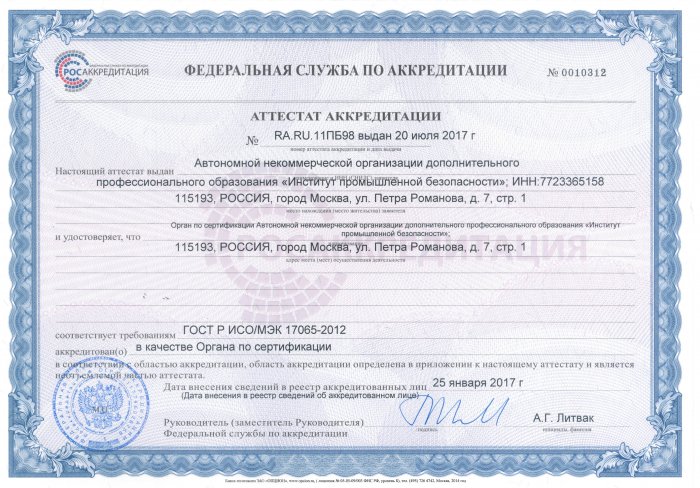
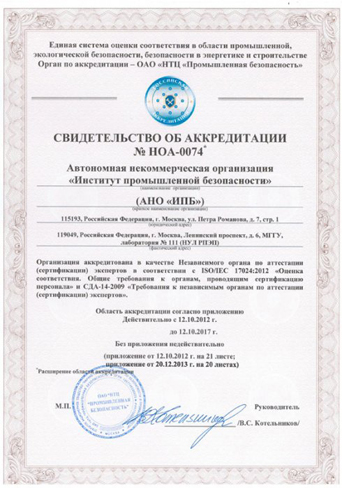
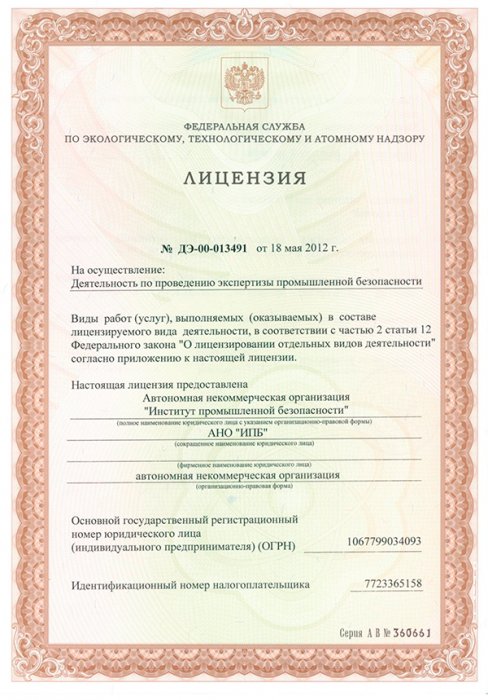
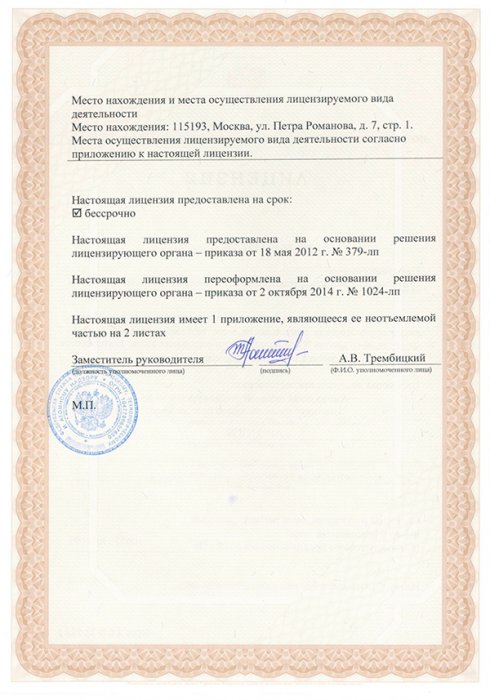
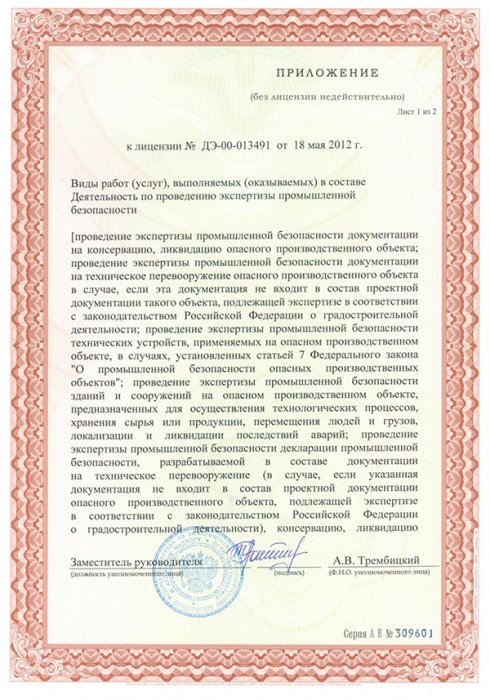
ООО "ИПБ" - предоставляет полный комплекс услуг при оформлении сертификатов ISO, ГОСТ Р, Интергазсерт, ЕС, RoHS и т.д., а также разрешительной документации Ростехнадзора, ФСБ, Росатома, Росприроднадзора, Министерства культуры, МЧС, Росздравнадзора и целого ряда других ведомств. ООО «ИПБ» работает с предприятиями по всей стране и зарубежными компаниями, стремящимися выйти на российский рынок товаров и услуг.
Ориентируясь на результат, мы создаем индивидуальные бизнес-решения, помогая нашим клиентам реализовывать новые возможности для роста и увеличения прибыли.
No standalone “PS2 to PS4 PKG Converter” exists in the sense of a universal, legal, one-click tool. What does exist:
✅ Semi-automated scripts that wrap PS2 ISOs in a custom PKG using Sony’s emulator (requires jailbroken PS4 and user-provided emulator files).
✅ Decent compatibility (~70% of games playable with config tweaks).
❌ No solution for unhacked PS4 consoles or for perfect compatibility with all PS2 titles.
The process of converting PS2 ISOs to PS4 PKGs is a testament to the ingenuity of the console hacking community. It effectively unlocks the PS4's hidden backward compatibility capabilities, allowing users to preserve and play their classic libraries on modern hardware. While it requires a modified console and a bit of technical know-how, the result is a seamless integration of PS2 classics into the PS4 ecosystem, often with enhanced resolution and trophy support.
The Ultimate Guide to PS2 to PS4 PKG Converters While the PlayStation 4 doesn't support physical PlayStation 2 discs, the homebrew community has developed powerful tools to bridge this gap. By using a PS2 to PS4 PKG converter, users with jailbroken consoles can transform their original PS2 ISO files into installable package (PKG) files that run via the PS4's internal "PS2 Classics" emulator. Best PS2 to PS4 PKG Converter Tools
Several tools dominate the scene, each offering different levels of customization and ease of use.
PS2-FPKG (by Jabu): Widely considered the standard tool, this application converts PS2 ISO/BIN images into fPKGs. It supports multi-disc games (up to 5 ISOs), automatic game ID detection, and allows users to inject custom icons and background wallpapers.
PS22PS4-GUI (by Nazky): A user-friendly graphical interface that simplifies the process. It features a drag-and-drop system for ISOs, backgrounds, and covers, making it ideal for those who prefer a visual workflow over command-line utilities.
PS-Classics-fPKG-Builder (by SvenGDK): A versatile cross-platform tool available for Windows, Linux, and macOS. It can create packages for PS1, PS2, and PSP games, offering advanced features like automatic game config application and emulator selection. How to Convert PS2 Games to PS4 PKG
The conversion process generally follows these steps across most tools:
Converting PS2 games for PS4 involves transforming ISO files into installable PKG files using community tools like PS2-FPKG or PS2 Classics GUI, which leverage Sony's internal emulator. Key tools such as PS2-FPKG and PS2 Classics fPKG Builder handle the conversion, allowing for custom icons and backgrounds before installation via a jailbroken PS4's Debug Settings or GoldHEN. Learn more about the process and download tools at PSX-Place and GitHub.
The Evolution of Gaming: A Look into PS2 to PS4 PKG Converters
The gaming industry has undergone significant transformations over the years, with console manufacturers continually pushing the boundaries of technology and innovation. One notable example is the transition from the PlayStation 2 (PS2) to the PlayStation 4 (PS4), a leap that not only marked a significant upgrade in hardware capabilities but also in the way games were distributed and played. This essay explores the concept of PS2 to PS4 PKG converters, tools that have emerged to facilitate the transition of games from older formats to newer ones, and the implications they have on the gaming community.
Understanding PS2 and PS4 PKG Files
Before diving into the converters, it's essential to understand what PKG files are. In the context of PlayStation consoles, a PKG file is a package file used for distributing and installing games and other content on the system. The PlayStation 2, released in 2000, utilized a different format for its games, which were primarily distributed on DVDs. Fast-forward to the PlayStation 4, released in 2013, and we see a shift towards digital distribution, with games being sold and downloaded directly from the PlayStation Store in PKG format.
The Role of PS2 to PS4 PKG Converters
PS2 to PS4 PKG converters are software tools designed to convert PS2 game files into a format compatible with the PS4. These converters essentially repackage PS2 game data into a PKG file that the PS4 can recognize and install. This process involves not just a simple file conversion but often requires adjustments to ensure compatibility with the newer console's architecture.
The development and use of such converters have been driven by the desire to preserve PS2 games, which are considered classics by many, and to make them playable on modern hardware. The PS2 has an extensive library of games that many players wish to continue enjoying, but the console's hardware is outdated, and its games are not natively compatible with the PS4.
Technical Challenges and Solutions
Converting PS2 games to work on the PS4 is not without its challenges. The PS2 and PS4 have fundamentally different architectures. The PS2 uses a Emotion Engine CPU and a Graphics Synthesizer GPU, while the PS4 uses a x86-64 AMD Jaguar 8-core processor and an AMD Radeon Graphics Core Next engine. This means that direct compatibility is not possible, and conversion requires emulation or significant reworking of the game's code.
Converters aim to bridge this gap by emulating the PS2 environment on the PS4 or by translating the game's commands into a form that the PS4 can execute directly. This process can involve recompiling game code, adapting graphics and sound to be compatible with the PS4's capabilities, and ensuring that the gameplay experience remains intact.
Impact on the Gaming Community
The availability of PS2 to PS4 PKG converters has had a significant impact on the gaming community. For enthusiasts and preservationists, these tools offer a way to continue enjoying classic games on modern hardware, thereby preserving gaming's rich history. For casual gamers, it provides an opportunity to experience games they might have missed out on during the PS2 era.
However, it's also important to consider the legal and ethical implications. Many PS2 games are still under copyright, and converting them into a playable format on another console without owning the rights could potentially infringe on copyright laws. The use of converters walks a fine line between preservation and piracy, highlighting the need for clear guidelines and regulations.
Conclusion
PS2 to PS4 PKG converters represent a fascinating intersection of technology, gaming, and preservation. While they offer a means to breathe new life into classic games, they also raise important questions about copyright, game preservation, and the evolving nature of digital distribution. As the gaming industry continues to evolve, the role of such converters will likely grow, serving as a bridge between the past and the present, and ensuring that the legacy of classic games endures for future generations.
Converting PS2 games to PS4 PKG files allows you to play classic titles on a jailbroken by using Sony's internal emulator
. This process requires a Windows PC, a game backup (ISO format), and specific conversion software. Core Tools for Conversion
Several community-developed tools automate the process of injecting a PS2 ISO into a PS4-readable package file: PS2 Classics GUI : A popular choice by TheDarkProgramer
that offers a graphical interface for converting ISOs, adding custom icons, and setting background art.
: A tool developed by Jabu that supports features like multi-disc games (up to five ISOs), custom emulator configurations, and performance fixes. PS2toPS4 GUI
: An alternative simplified tool for generating "fake" package (FPKG) files. The Conversion Process How to Install PKG Files - ConsoleMods Wiki 16 Jan 2026 —
The main feature of a PS2 to PS4 PKG converter is its ability to wrap a PlayStation 2 game image (typically an ISO file) into a PlayStation 4 "Package" (PKG) format that the console's internal PS2 emulator can execute.
This process is commonly used by the homebrew community to play games that are not officially available as "PS2 Classics" on the PlayStation Store. Core Features
ISO to PKG Conversion: Converts raw PS2 disc images (ISO) into a format compatible with the PS4's file system.
Emulator Integration: Bundles the game with the necessary PS2 emulator configuration files required for the PS4 to recognize and run the title.
Custom Metadata: Allows users to add custom game icons, background images, and title names that appear on the PS4 home screen dashboard.
Widescreen & Graphic Patches: Many converters allow you to apply "fpts" (feature patches) to force 16:9 widescreen aspect ratios or improve internal rendering resolution.
Config Selection: Lets users choose specific "Lua" configuration files that fix graphical glitches or performance issues for specific PS2 titles. Prerequisites for Use
Jailbroken Console: These converted PKG files can generally only be installed on a PS4 running custom firmware (like GoldHEN), as they are unsigned applications.
Debug Settings: Once the PKG is created, it is typically installed via the Package Installer found in the console's Debug Settings menu.
If you are looking for a specific tool, popular community options include PS2 Classics GUI or PS2-FPKG.
This report outlines the tools, processes, and requirements for converting PlayStation 2 (PS2) ISO games into installable Package (PKG/FPKG) files for a jailbroken PlayStation 4 (PS4), based on methods available as of 2026. 1. Overview & Requirements
Converting PS2 games allows them to run on the PS4 using Sony’s internal "PS2 Classics" emulator. This requires a jailbroken PS4 running HEN (Homebrew ENabler). Required Firmware:
Jailbroken PS4 (tested on 9.00, but often works on newer firmwares if available). Required Files: PS2 ISO files (ripped from personal discs). PC for running the conversion tools.
USB Drive (formatted to exFAT or FAT32) to install the PKG on PS4. 2. Main Conversion Tools (PS2 to FPKG)
Several GUIs (Graphical User Interfaces) exist to make this process easier by automating the packaging of the ISO with the emulator: PS2-FPKG by Jabu:
A highly popular tool that allows users to create multi-disc games (up to five ISOs), adjust emulator settings, and select custom icons/backgrounds. PS2 Classics GUI (by thedarkprogramer/Nazky):
A versatile tool that patches games and adds custom branding. PS22PS4-GUI:
Updated to support modern .NET versions and includes auto-cover downloads. 3. Conversion Process Steps
Here’s a draft for a good, informative post about converting PS2 games to PS4 PKG files. It’s written to be helpful for beginners while including technical details for advanced users.
Title: From Disc to Digital: A Complete Guide to Converting PS2 Games to PS4 PKG
Intro The PS4 can play PS2 games—but only the ones Sony officially re-released with trophy support and upscaled rendering. However, with a jailbroken PS4 (FW 9.00 or 5.05), you can convert your own PS2 ISOs into installable PKG files. This unlocks the entire PS2 library on your PS4, often with improved performance.
How It Works
Sony’s PS2 emulator for PS4 (ps2_emu.self) is surprisingly good. It supports:
When you convert a PS2 ISO to PKG, you’re wrapping the game in an emulator config—not recompiling code.
What You Need
PS2_Classics_Tools for advanced tweaksStep-by-Step (Simplified)
fake (FPKG) ready for debug installers.Debug Settings > Package Installer.Compatibility Notes
✅ Great: Most RPGs, fighting games, platformers (God of War, FFX, Tekken 5)
⚠️ Tricky: Games with heavy microcode ( Ratchet & Clank, Jak II ) – need specific emulator flags
❌ Broken: Light gun games, some licensed music titles
Check the PS2 on PS4 Compatibility List (community-maintained spreadsheet) before converting.
Pro Tips
Common Mistakes
Legal & Ethical Note Only convert games you own physically. Don’t share PKG files—they’re copyrighted. This is for personal backup and preservation.
Final Verdict Converting PS2 games to PS4 PKG is surprisingly polished. Once you have the workflow down (10 minutes per game), you get:
If you have a compatible PS4 jailbreak, it’s the best way to play PS2 games on a modern TV—short of buying a PS2 and a Retrotink.
Questions? Drop your game title below – I’ve tested over 50 conversions.
Why this post works:
This converter transforms PS2 game images (ISO/IMG/BIN) into PS4 PKG files suitable for installation on modded or homebrew-enabled PlayStation 4 systems. It supports single and batch conversion, automatically detects and fixes common image issues, extracts and maps game metadata, and lets you customize titles, icons, and region settings. Advanced options include remapping controllers, injecting compatibility patches, and generating install scripts.
Note: Use only with legally owned games and compatible systems. This tool is intended for educational and archival purposes.
The PS5 is backwards compatible with PS4 software, not PS2 natively. Here is the interesting part:
Use only with games you legally own. Converting/distributing copyrighted games without permission may violate laws. This software is intended for personal backup, archival, or development on compatible systems.
Сообщите нам своё впечатление
о работе компании или отдельного сотрудника:



 Сказать спасибо
 Пожаловаться
 Задать вопрос